
The short answer
- Start with the instructions from whoever requested your fingerprints; they set the method, the provider options and any fees.
- Bring accepted identification and any registration numbers, codes or forms you were given.
- Results come from the agency processing your background check, not from the fingerprinting provider.
Before you start
Requirements vary by employer, state, licensing board and role: a healthcare job, a security license, a school position and a federal contract can each follow a different process in the same city. Look for an email, letter or portal message explaining your background check; if there is none, ask your recruiter or HR contact before you book. Instructions unclear? Send them to us and we will identify the correct fingerprinting method.
How to get fingerprinted for a job: the seven steps
Determine what fingerprinting is required
Whether the job needs a fingerprint-based check and for what purpose; the purpose shapes everything that follows.
Check employer, state and licensing requirements
Which agency processes the check, whether you register online first, and whether Live Scan or an FD-258 fingerprint card is required. Our Requirements Center collects many boards’ instructions.
Choose an appropriate provider
Some programs require a designated provider; others accept anyone who can capture prints in the required format. If your employer is running a group session, you may not need to book.
Prepare your identification and documents
The ID your instructions list, plus any registration number, agency code, account number or blank FD-258 card you were sent.
Complete fingerprint capture
A technician verifies your identity, captures each finger digitally or on a card, reviews image quality and recaptures fingers when needed.
Submit fingerprints and background check information
Live Scan is usually submitted electronically during the appointment; FD-258 cards may need to be mailed or delivered as your instructions describe, with any forms and fees.
Understand what happens afterward
The processing agency runs the check and returns results to the requesting organization, or to you. Timing varies by agency, so ask your employer or the agency about status, not the fingerprinting provider.
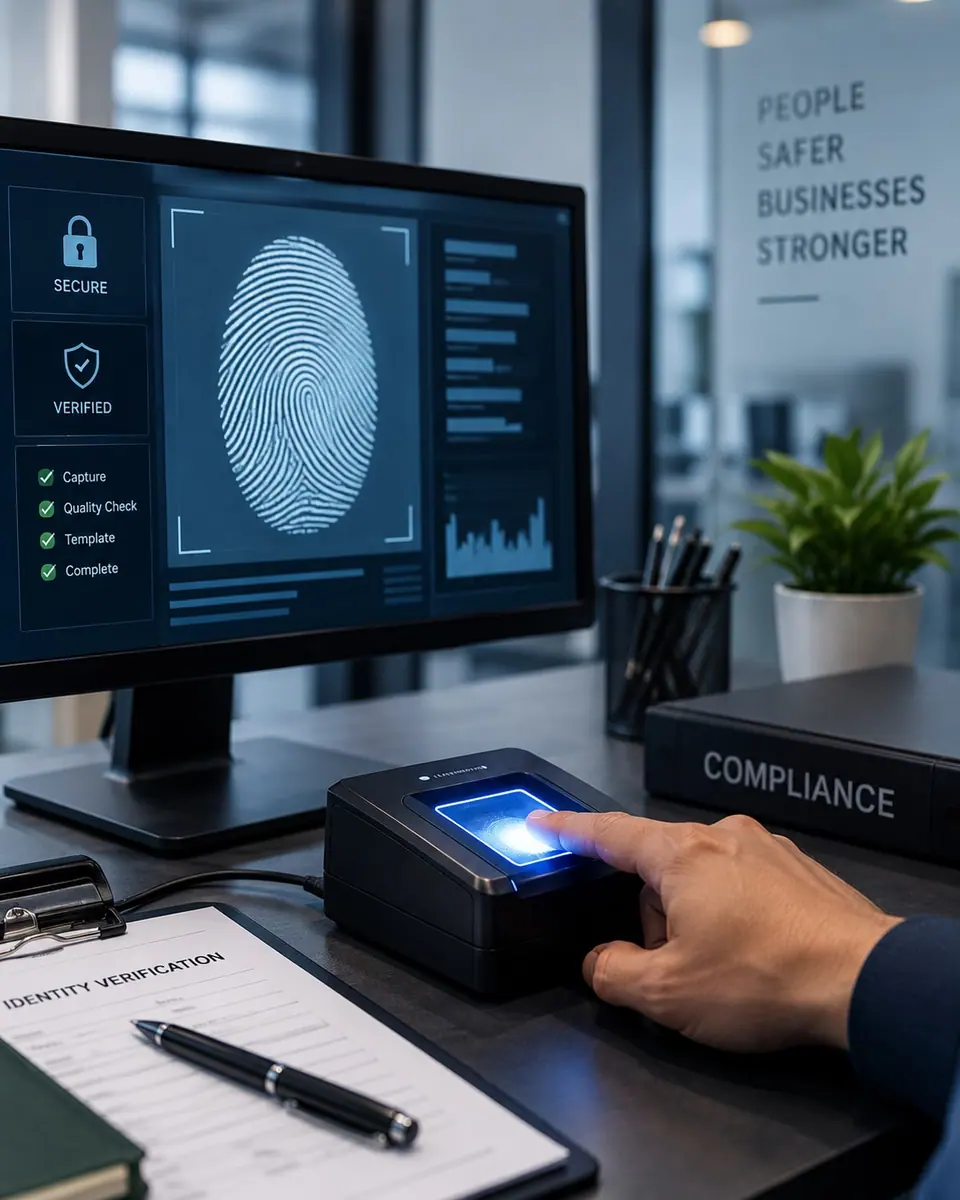
What to bring to your appointment
- A current, government-issued photo ID, or the specific identification your instructions require
- Any registration confirmation, reference number or agency code, such as an ORI number
- Blank FD-258 cards, if the requesting agency supplied them
- Payment for any fees collected at the appointment
If the name on your ID differs from the name on your registration or application, sort that out before the appointment; a mismatch can delay your submission.
Tips for a clear set of prints
- Wash and dry your hands first, and skip heavy lotion that day
- Let the technician roll and guide each finger instead of pressing down yourself
- Mention any cuts, bandages or skin conditions on your fingertips
- Allow a little extra time in case some fingers need recapturing
After you are fingerprinted
Keep any receipt, transaction number or tracking information; that record is usually the proof an employer asks for. If an agency rejects your prints for image quality you will typically be fingerprinted again: our guide to rejected fingerprints explains the common causes, and our free retake policy covers fingerprints we captured that the FBI rejects for print quality.
If your employer is arranging fingerprinting
Many employers, schools and security companies schedule group sessions during orientation or training; follow the attendee instructions you receive and bring the documents listed. Employers planning this for a team can see how group fingerprinting works, or the pages for nursing schools and universities and security and alarm companies.